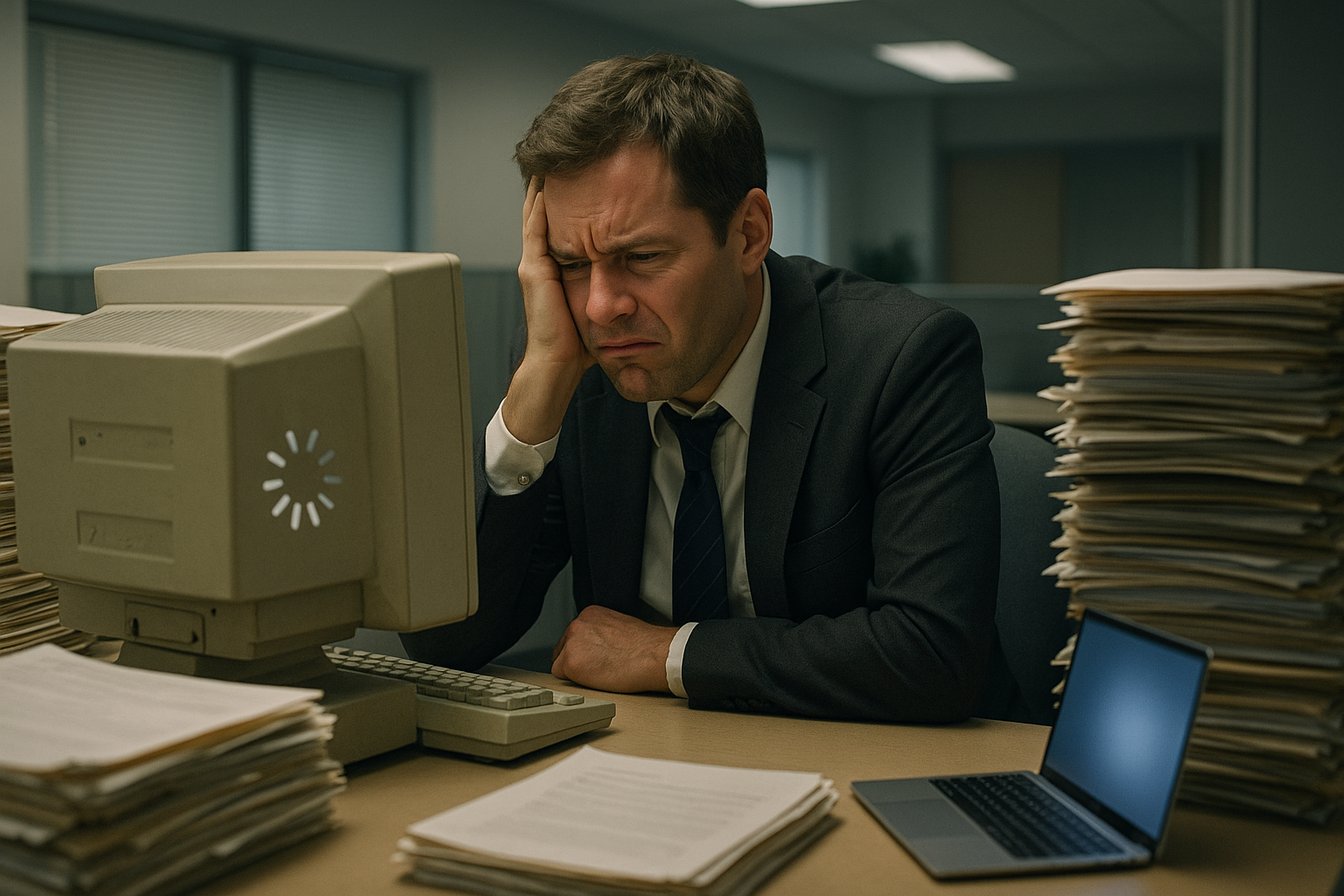
For many Bay Area small businesses, the decision to delay technology upgrades can seem like a prudent financial choice. After all, if your computers, servers, and software are "getting the job done," why invest in newer alternatives? Unfortunately, this line of thinking often ignores the substantial hidden costs that outdated technology silently drains from your business. This article examines how aging tech infrastructure impacts your bottom line and provides practical guidance on when and how to make strategic upgrades.
The True Cost of "Making Do"
When businesses delay technology refreshes, they're often focused on avoiding the immediate expense of new equipment or software. However, research consistently shows that aging technology carries significant costs that frequently exceed the price of upgrades. Let's break down these hidden expenses:
1. Productivity Losses
The most substantial hidden cost comes from reduced productivity. According to a Microsoft study, computers older than four years cost businesses an average of $1,773 per device annually in lost productivity and repairs. These losses manifest in several ways:
- Slower performance: As software requirements grow, older hardware struggles to keep up. Employees waste minutes throughout the day waiting for applications to load, files to save, or systems to respond
- Increased downtime: Older technology fails more frequently, creating unplanned interruptions
- Compatibility issues: Legacy systems often don't work smoothly with newer software, creating workflow bottlenecks
- Employee frustration: Working with slow, unreliable technology reduces job satisfaction and increases stress
To put this in perspective, if an employee earning $30/hour loses just 15 minutes per day to slow technology, that's more than $1,900 in lost productivity annually—often exceeding the cost of a new computer.
2. Security Vulnerabilities
Perhaps the most serious hidden cost comes from increased security risks. Outdated systems and software are prime targets for cyberattacks for several reasons:
- End of support: Manufacturers eventually stop providing security patches for older products (like Windows 10's upcoming end of life in October 2025)
- Known vulnerabilities: Hackers have had more time to discover and exploit weaknesses in older systems
- Legacy architecture: Older systems were often built with less focus on security than modern alternatives
The cost of a data breach for small businesses averages $108,000, according to the Ponemon Institute. Even a single security incident can erase years of "savings" from delayed upgrades. For businesses in regulated industries like healthcare or finance, security breaches can also trigger compliance violations and associated penalties.
3. Higher Maintenance Costs
As technology ages, it requires more frequent repairs and support. These costs include:
- More frequent IT support calls: Older systems generate more tickets and require more troubleshooting
- Replacement parts: Components for older systems often become harder to find and more expensive
- Emergency repairs: Aging systems fail more frequently, often requiring urgent, higher-cost service
Our service records show that five-year-old computers typically require 2-3 times more support time than machines under three years old. At typical IT support rates, this difference can amount to $500-$800 per device annually in additional support costs.
4. Energy Inefficiency
Modern technology is significantly more energy-efficient than older equipment. Older servers, workstations, and networking equipment consume substantially more electricity, adding to monthly utility bills. For example:
- A new Energy Star desktop uses 30-50% less power than a 5-year-old model
- Modern servers can reduce power consumption by up to 60% compared to previous generations
- Current networking equipment provides more throughput with less energy consumption
While the monthly difference may seem small, the cumulative utility savings over a device's lifetime can offset a significant portion of the upgrade cost.
5. Opportunity Costs and Competitive Disadvantage
Perhaps the most difficult to quantify, but potentially most significant, are the opportunity costs of falling behind technologically:
- Limited access to new capabilities: Newer software often can't run on older systems, preventing access to productivity-enhancing features
- Inability to leverage modern solutions: Cloud services, AI tools, and modern collaboration platforms may be inaccessible or perform poorly on dated systems
- Competitive disadvantage: When competitors upgrade and you don't, they gain efficiency and capability advantages
- Talent recruitment and retention challenges: Top employees expect modern tools and may look elsewhere if forced to work with outdated technology
For Bay Area businesses in particular, where technology talent is both in high demand and highly discerning, the impact on recruitment and retention can be substantial.
Calculating Your Technology Debt
"Technology debt" refers to the accumulated cost of postponed upgrades and the increasing gap between your current capabilities and what modern solutions offer. To estimate your technology debt, consider these factors:
Key Questions to Assess Technology Debt:
- What is the average age of your business computers, servers, and network equipment?
- How much employee time is lost daily to slow performance or technical issues?
- What new capabilities or efficiencies are you unable to access due to outdated technology?
- How much are you spending annually on support and maintenance for aging systems?
- Which systems will soon reach end-of-support milestones?
Using these questions as a starting point, you can begin to quantify the true costs of maintaining outdated technology and compare them to the investment required for appropriate upgrades.
When Is It Time to Upgrade?
Rather than waiting for complete failure (which often occurs at the worst possible time), businesses should look for these indicators that it's time to upgrade:
1. Age-Based Guidelines
Industry standards suggest different replacement cycles depending on the type of technology:
- Desktop computers: 3-4 years
- Laptops: 2-3 years
- Servers: 3-5 years
- Network equipment: 4-5 years
- Phone systems: 5-7 years
- Printers/scanners: 3-5 years
These are general guidelines that may vary based on usage patterns and business requirements. Heavy users or those running demanding applications may need more frequent refreshes.
2. Performance Warning Signs
Beyond age, watch for these indicators that technology is negatively impacting operations:
- Boot-up and shutdown times exceeding 5 minutes
- Frequent application crashes or freezes
- Inability to run current versions of essential software
- Noticeable employee frustration with system performance
- Increasing frequency of repair calls
- Battery life on mobile devices degraded below 2 hours
3. Security and Compliance Triggers
Certain events should prompt immediate consideration of upgrades:
- End-of-support announcements for operating systems or key software
- Inability to install current security patches
- Changes in industry compliance requirements
- A serious security incident or near-miss
A Strategic Approach to Technology Refreshes
Rather than addressing technology upgrades reactively, consider these strategies for managing technology refreshes more effectively:
1. Implement Staggered Refresh Cycles
Instead of replacing all technology at once (creating a significant periodic expense), stagger replacements. For example, replace one-third of your computers each year on a three-year cycle. This approach:
- Spreads costs out predictably
- Keeps your technology reasonably current
- Makes budgeting more manageable
- Reduces the operational impact of large-scale changes
2. Consider Alternative Acquisition Models
Technology expenses don't always have to involve large capital expenditures. Consider:
- Device-as-a-Service (DaaS) programs: Hardware, software, and support bundled into a predictable monthly subscription
- Leasing options: Fixed monthly payments with refresh options built into agreements
- Cloud alternatives: For servers especially, cloud solutions can eliminate the replacement cycle entirely
These approaches convert capital expenses to operational expenses, often with tax advantages and built-in upgrade paths.
3. Prioritize Based on Business Impact
Not all technology requires the same refresh cadence. Prioritize based on:
- Revenue impact: Systems directly tied to revenue generation or customer service deserve priority
- Utilization rates: Devices used 8+ hours daily need more frequent refreshes than occasionally-used equipment
- Role-based needs: Staff with compute-intensive tasks (design, accounting, data analysis) need more capable and current equipment
4. Develop a Technology Roadmap
Create a 2-3 year plan that outlines:
- Which systems will be refreshed and when
- Estimated costs and budgetary requirements
- Dependencies between different systems
- Anticipated shifts in technology direction (e.g., moving certain functions to the cloud)
This roadmap should be reviewed quarterly and updated annually to adapt to changing business needs and technology developments.
Maximizing ROI on Technology Investments
To ensure you're getting the best return on your technology investments, consider these best practices:
Focus on Total Cost of Ownership (TCO)
When evaluating technology options, look beyond the initial purchase price to consider:
- Deployment and setup costs
- Support and maintenance requirements
- Expected useful lifespan
- Energy consumption
- End-of-life disposal costs
A more expensive solution with longer life and lower support needs may prove more economical over time.
Don't Skimp on Business-Critical Systems
Not all technology requires premium solutions, but be willing to invest appropriately in systems that:
- Directly generate or protect revenue
- Store sensitive customer or business data
- Support core business operations
- Provide competitive differentiation
Consider Productivity When Specifying New Systems
Paying a bit more for better performance can yield substantial returns:
- Faster processors, SSDs, and additional memory typically provide the best productivity ROI
- Multiple or larger monitors have been shown to increase productivity by 20-30% for knowledge workers
- Business-grade equipment typically includes better warranties and support options
Responsibly Disposing of Outdated Technology
When upgrading, ensure you're disposing of old equipment properly:
- Data sanitization: Ensure all business and personal data is securely wiped
- Environmentally responsible recycling: Work with certified e-waste recyclers
- Donation options: Consider donating still-functional equipment to schools or nonprofits (after proper data wiping)
- Trade-in programs: Many manufacturers offer trade-in credits for older equipment
Conclusion
The decision to update business technology shouldn't be driven solely by the desire for the newest features or avoiding immediate expenses. Instead, it should be based on a clear understanding of the total cost of outdated technology and a strategic approach to maintaining appropriate technological capabilities.
For most Bay Area businesses, a properly managed technology refresh strategy actually reduces total technology costs while simultaneously improving capabilities, security, and competitive positioning. The key is shifting from a reactive, break/fix mindset to a proactive, planned approach to technology management.
If you're unsure about the state of your business technology or would like help developing a cost-effective technology roadmap, contact Falk Services for a comprehensive technology assessment. We'll help you identify the most urgent needs and develop a practical, budget-friendly approach to keeping your technology current and your business competitive.
← Back to Insights